Setting up a projector screening — whether it’s a backyard movie night, a classroom presentation, or an outdoor event — is simpler than it looks if you have the right gear. Here’s a checklist of everything you’ll need and why each item matters.
Projector
The star of the show.
Choose a projector based on:
- Brightness (lumens): Go for at least 2,000–3,000 lumens for indoor use, and 5,000+ lumens for outdoor screenings.
- Resolution: Full HD (1080p) is standard; 4K is great for high-quality visuals.
- Connectivity: Check for HDMI, USB, or wireless options depending on your playback device.
Projection Screen
A proper screen gives you a sharper, evenly lit image.
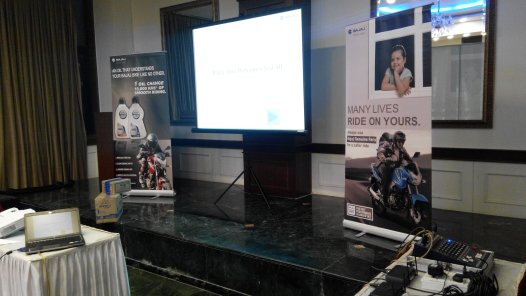
- Indoor setups: Use a portable pull-up or wall-mounted screen.
- Outdoor setups: Go with inflatable or retractable screens — make sure it’s taut and wrinkle-free.
- In a pinch, a smooth white wall or bedsheet can work, but the image may look duller.
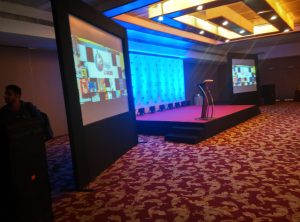
- For a smaller crowd of 50 to 75 people a 4 X 6 feet screen will suffice, but for a bigger crowd use 5X 7 or 6 X 8 feet screen for best viewing.
Audio System
Built-in projector speakers are usually weak, so add:
- External speakers — Bluetooth, wired, or a small PA system.
- Audio cables or a mixer if you’re connecting multiple audio sources. For large spaces, stereo or surround systems give a cinematic touch.
Media Source
This is what plays your video content.
- Laptop, smartphone, USB drive, or streaming stick (like Chromecast or Fire TV).
- Make sure the projector’s ports match your device’s outputs — or have the right adapters (HDMI to USB-C, for example).
Cables and Adapters
A simple but easy-to-forget essential:
- HDMI cable (main video connection)
- Audio cable (if speakers are separate)
- Extension cords & power strips Always bring spares — cables are the first thing to fail.
Power Supply
You’ll need stable power, especially outdoors.
- Extension leads rated for outdoor use
- Surge protectors
- Portable power station (if there’s no nearby outlet)
Mounting/Stands
Keep the projector stable and angled correctly.
- Tripod, projector stand, or table
- For outdoors, add sandbags or clamps to prevent wobbling
Optional Add-Ons
Take your setup from good to great:
- Streaming device for wireless playback
- Remote control for convenience
- Popcorn machine or string lights if it’s a movie night vibe
Quick Pro Tips
- Set up before dark to check focus and alignment.
- Keep the projector cool with enough airflow.
- Test sound and video playback before guests arrive.
- Keep a track on weather conditions if it is an outdoor event
- Service your projectors every six months.
Get in touch with Sarah Vision for any projection advice.